> ## Documentation Index
> Fetch the complete documentation index at: https://docs.ascend.sh/llms.txt
> Use this file to discover all available pages before exploring further.
# Installation
> Install and set up the Ascend VS Code extension
 ## Installation
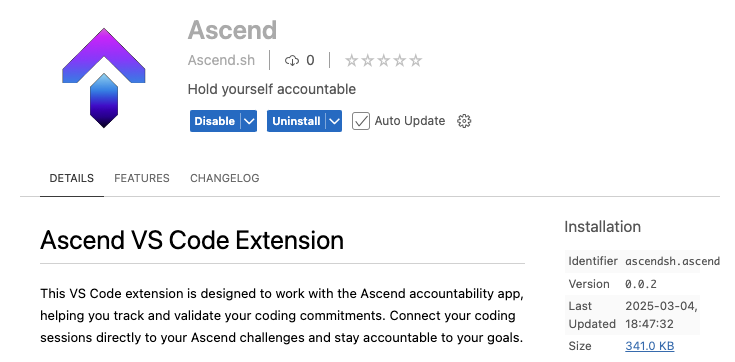
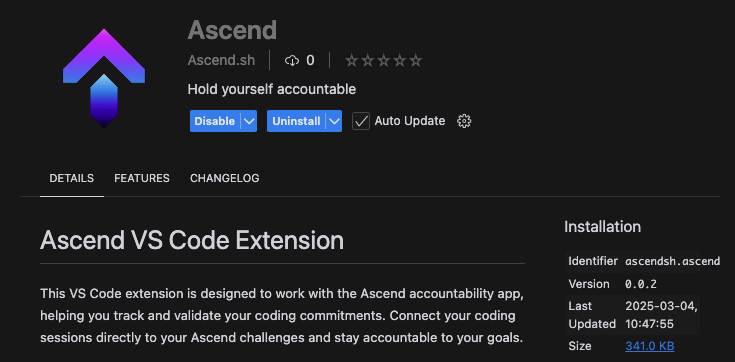
The Ascend VS Code extension helps you track and validate your coding commitments by connecting your coding sessions directly to your Ascend challenges. It monitors your active coding time in GitHub repositories, provides daily statistics on your progress, and helps you stay accountable to your coding goals.
You can install the extension directly from VS Code:
1. Open VS Code
2. Go to the Extensions view (`Ctrl+Shift+X` or `Cmd+Shift+X`)
3. Search for "Ascend"
4. Click Install
Alternatively, you can install it from the [VS Code Marketplace](https://marketplace.visualstudio.com/items?itemName=Ascendsh.ascend).
## Privacy & Data
Ascend takes your privacy seriously and only collects the minimum data needed to validate your coding challenges:
* Coding time in active GitHub repositories
* Repository names for challenge validation
We do not collect or store any code content, personal information, or other sensitive data.
## Source Code
The Ascend VS Code extension is open source. You can view the source code and contribute on [GitHub](https://github.com/asc-end/vscode-extension).
## Installation
The Ascend VS Code extension helps you track and validate your coding commitments by connecting your coding sessions directly to your Ascend challenges. It monitors your active coding time in GitHub repositories, provides daily statistics on your progress, and helps you stay accountable to your coding goals.
You can install the extension directly from VS Code:
1. Open VS Code
2. Go to the Extensions view (`Ctrl+Shift+X` or `Cmd+Shift+X`)
3. Search for "Ascend"
4. Click Install
Alternatively, you can install it from the [VS Code Marketplace](https://marketplace.visualstudio.com/items?itemName=Ascendsh.ascend).
## Privacy & Data
Ascend takes your privacy seriously and only collects the minimum data needed to validate your coding challenges:
* Coding time in active GitHub repositories
* Repository names for challenge validation
We do not collect or store any code content, personal information, or other sensitive data.
## Source Code
The Ascend VS Code extension is open source. You can view the source code and contribute on [GitHub](https://github.com/asc-end/vscode-extension).